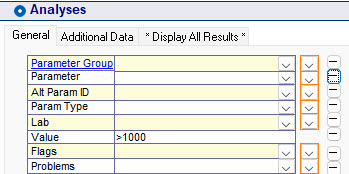
You selected the Value field in Selected Data to >1 but your reports and exports do not reflect this.
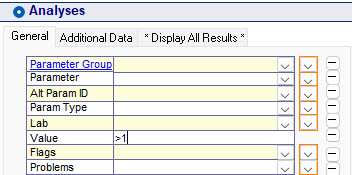
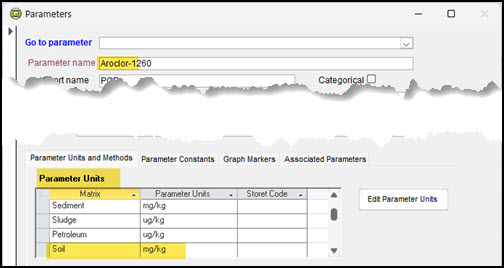
This can happen when the ReportingUnits of the selected result values are different from the Parameter Unit of the Parameter(s) being selected.
In this example, you want to report Aroclor-1260 or similar parameters and display them in mg/kg, but they are stored in ug/kg. Below are the selected results shown in the Quick List. Even though you wanted >1 mg/kg, Selected Data returns the raw data in ug/kg.
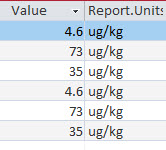
They will remain that way until Convert Units runs and uses the ParameterUnit setting of mg/kg.
Note: before running any reports, you must make ensure that you have you have set the Unit Conversion in the Display Options form set to either Yes or Ask. If you, they will be automatically converted. If Ask is the option, you will have to approve that before conversion will take place. T

he conversion from ug/kg to mg/kg always take place after the data has been selected.
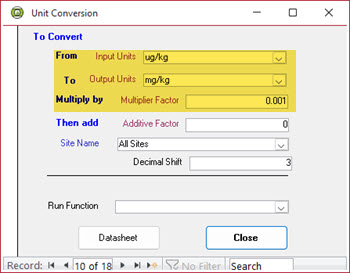
In this situation you must use >1000 in the Select Data Value field because the selected result value will be multiplied by 0.001 in the Unit Conversion to produce the desired result.